
How to Enroll in Marketplace Health Insurance for 2027
 Michael Brown
In short
Enroll at HealthCare.gov by December 15, 2026 for coverage from January 1, or by January 15, 2027 for February 1. Apply, compare plans, then pay your first premium.
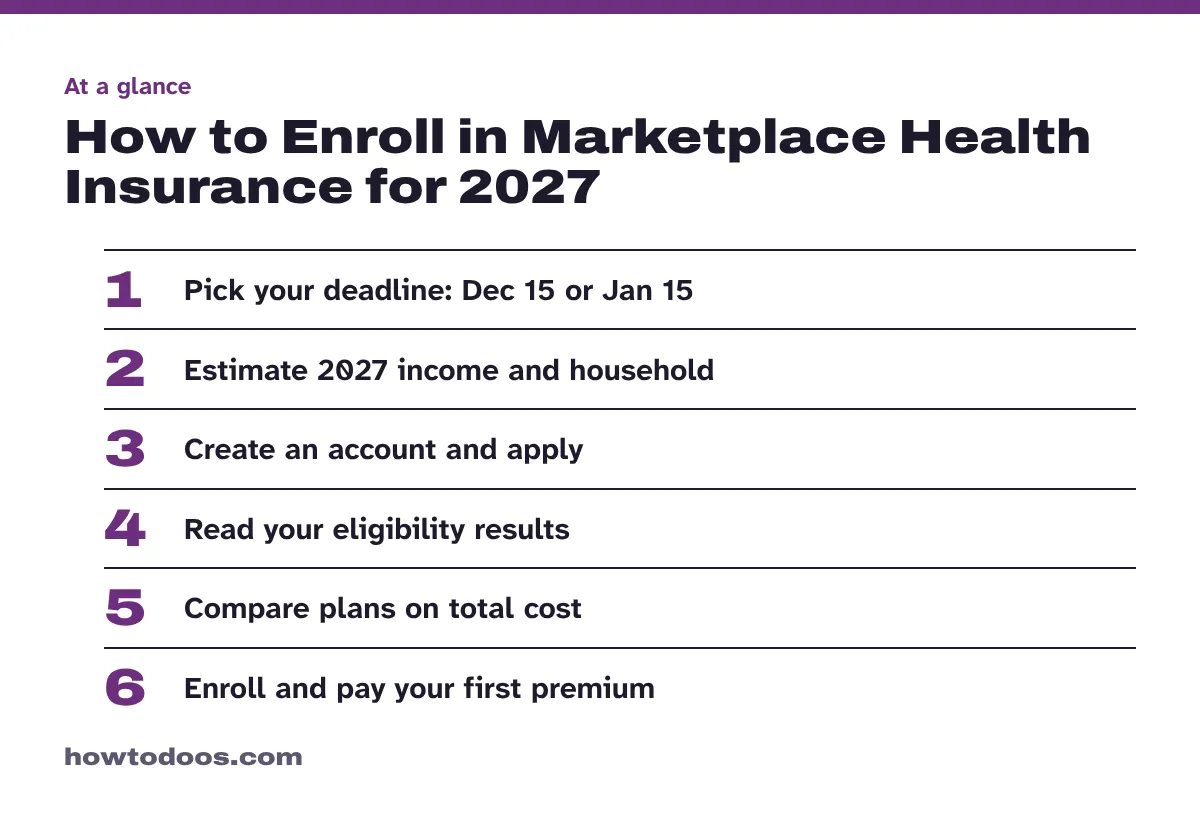
6 steps in this guide
To get a US Marketplace health plan for 2027, apply through HealthCare.gov during Open Enrollment, which runs from November 1, 2026 through January 15, 2027. Enroll by December 15 if you want coverage to start on January 1. You choose a plan after your application, and coverage only begins once you pay your first premium.
This guide covers the federal Marketplace. It explains the process and isn’t personal insurance advice, so check the official site for your situation.
What you need
HealthCare.gov publishes an application checklist. Have these ready before you start:
- Names, birth dates and home or mailing addresses for everyone applying
- A Social Security Number for each person, plus current citizenship and immigration information
- How you’ll file your taxes
- Current job, income and expense details for everyone in your household
- Your best estimate of household income for 2027
- Details of any current health coverage, job-based coverage offers, or a Health Reimbursement Arrangement (HRA) notice from an employer
- Your current doctors and prescriptions, so you can check them against each plan
Steps
Step 1: Pick your deadline
The date you enroll decides when coverage starts. These are the HealthCare.gov dates:
| Enroll or change plans | Coverage starts |
|---|---|
| November 1 to December 15, 2026 | January 1, 2027 |
| December 16, 2026 to January 15, 2027 | February 1, 2027 |
In both cases, you have to pay your first premium for coverage to start. After January 15, you can generally only enroll or change plans if you qualify for a Special Enrollment Period.
Step 2: Estimate your income and household
Savings are based on your income estimate for the year you want coverage, not last year’s income. HealthCare.gov suggests starting with your household’s adjusted gross income, then updating it for changes you expect.
For household size, count yourself, your spouse if you’re married, and everyone you’ll claim as a tax dependent, even if they don’t need coverage.
Step 3: Create an account and apply
Create a Marketplace account with your name, address and email. If your state runs its own Marketplace, HealthCare.gov sends you there, so follow that site’s dates and instructions.
Online is the fastest way to apply. You can also apply by phone, in person with local help, through a certified enrollment partner, or on paper. Paper applicants get eligibility results by mail within 2 weeks.
Step 4: Read your eligibility results
After you submit an online application, you get your Eligibility Results right away. They show whether you qualify for a Marketplace plan, a premium tax credit that lowers your monthly payment, or Medicaid or CHIP.
Exact plan prices and savings appear at this stage, so don’t rely on a rough figure from before you applied.
Step 5: Compare plans
Plans are grouped into metal categories that show how you and the plan share costs. They have nothing to do with quality of care. The percentages are estimates, and actual costs vary by plan.
| Category | Plan pays | You pay | Deductible |
|---|---|---|---|
| Bronze | 60% | 40% | High |
| Silver | 70% | 30% | Moderate |
| Silver with extra savings | 73–94% | 6–27% | Low |
| Gold | 80% | 20% | Low |
| Platinum | 90% | 10% | Low |
Extra savings are only available on Silver plans, so look at Silver first if your results show you qualify. Catastrophic plans, where available, are a fifth category for people under 30 or those who qualify for a hardship or affordability exemption.
Beyond the category, HealthCare.gov suggests weighing:
- Total cost: the monthly premium plus out-of-pocket costs such as the deductible
- Network type: HMO, PPO, POS and EPO plans differ in which doctors and facilities you can use, and what going out of network costs
- Your care: enter your doctors, hospitals and prescriptions to see whether each plan covers them in network
- Quality: plans may differ in quality as well as price
CMS says people have access to 100 plans from five to six insurers on average, so narrow the list using your budget, doctors and prescriptions.
Step 6: Enroll and pay your first premium
Choose your plan and enroll. Your coverage won’t start until you pay your first premium, which goes to the insurance company, not the Marketplace.
To pay online:
- Log into your Marketplace account.
- Choose your application under “Your applications.”
- Select “Pay Your First Health Insurance Monthly Premium.”
- Select “Pay for Health Plan Now” to go to the insurer’s website.
If your insurer doesn’t take online payments, it should contact you with next steps. Your plan then sends a membership packet and insurance card. To confirm the plan you’re enrolled in, select “My Plans & Programs” in your account.
If you already have a Marketplace plan
Don’t wait for automatic re-enrollment without checking your options:
- Read your letter. It says whether you’ll be re-enrolled in the same plan or a different one. If your insurer has no similar plan, you may be moved to a comparable plan with another company.
- Update your application. Enter your expected income and household details for 2027. Plan costs can change even if your plan stays the same.
- Switch by December 15 if you want a different plan to start January 1. You can still change plans until January 15.
- Stop re-enrollment if you don’t want coverage. Select your current-year application, not next year’s, and use the stop coverage button on “My Plans & Programs.” If you miss December 15, log in by December 31 to stop coverage from starting.
Tips
- Finish well before December 15. That leaves time to compare plans and sort out your first payment.
- Check immigration-related savings rules. HealthCare.gov says that starting January 1, 2027, only people with certain immigration statuses qualify for savings. Others may still be eligible for coverage without savings.
- Report changes. If your income or household changes during the year, update your application as soon as possible.
- Pay on time every month. If you don’t, the insurance company could end your coverage.
Troubleshooting
- HealthCare.gov sent you to another site: your state likely runs its own Marketplace. Use that site for your deadlines and application.
- You can’t see an online payment option: follow your insurer’s instructions, or wait for it to contact you with next steps.
- You need a person to help: call 1-800-318-2596 or find local help by city and state or ZIP code.
FAQ
When is the deadline to enroll for 2027?
On HealthCare.gov, enroll by December 15, 2026 for coverage starting January 1, 2027. Open Enrollment ends on January 15, 2027, and enrolling between December 16 and January 15 means coverage starts February 1.
What happens if I miss Open Enrollment?
You can only enroll or change plans if you qualify for a Special Enrollment Period, for example after a qualifying life change. You can apply for Medicaid or CHIP at any time of year.
Who can enroll in a Marketplace plan?
You must live in the United States, be a US citizen or national or be lawfully present, and not be incarcerated.
What do all Marketplace plans cover?
All plans cover 10 essential health benefits, including prescription drugs, emergency services, hospitalization, laboratory services, and mental health and substance use disorder services. They also cover pre-existing conditions.
Is help with applying free?
Yes. HealthCare.gov says its phone line offers free, non-biased personal help, including help in other languages.
Conclusion
Set your target date first, ideally December 15, then gather your income and household details, apply, and compare plans on total cost rather than premium alone. Your enrollment isn’t finished until the first premium is paid, so check “My Plans & Programs” to confirm it went through. Dates here apply to HealthCare.gov, so if your state runs its own Marketplace, follow its site instead.


